WhatsApp has announced a new method to protect your personal conversations: Chat Lock. Chat messages can then only be read if they are unlocked with a password or biometric. In the coming months, the messaging service is going to add more options to Chat Lock. WhatsApp announced Chat Lock, or Chat Lock as the feature is called in Dutch, via its weblog.
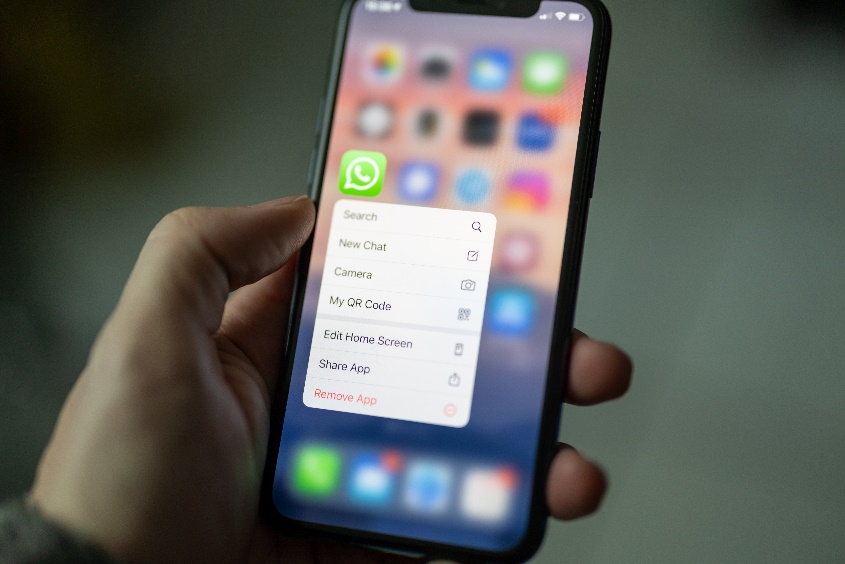
To take advantage of the new security feature, you must first enable Chat Lock. Before you can lock a chat, you must set up device authentication. That means you have to enter a password, PIN, fingerprint or Face ID. Once you've done that, tap Chatinfo > Chat Lock. Then choose "Lock this chat with fingerprint" or "Lock this chat with Face ID" and confirm with your fingerprint or facial profile.
One-to-one messages and group messages that are protected with Chat Lock are removed from the Inbox and placed in their own folder. The messages in this folder can only be accessed with a fingerprint or Face ID. The contents of notifications and the corresponding contacts are hidden when chats are locked. Calls are not locked.
It's worth noting that chats are only locked locally. In other words, if you have Chat Lock set on your smartphone and you open WhatsApp from your laptop or desktop computer, messages on paired devices will not be locked. If you back up your chat history, locked chats will remain locked.
If you enable Chat Lock, the person you are chatting with will not know that you have activated this feature. To lock an archived chat, you must dearchive it. Only after that is it possible to set Chat Lock.
To view locked chats, go to the Chats tab and swipe down. There you will find the Locked Chats folder. To read or send messages, you need to unlock this folder. To do so, use fingerprint or facial profile.
WhatsApp thinks Chat Lock is good "for people who sometimes need to share their phone with a family member or for those times when someone else is holding your phone just when an extra special chat comes in." Of course, you can also use the feature if you care about your privacy: after all, no one can read your private messages without your biometric information.
Finally, WhatsApp says it will be adding more options to Chat Lock "in the coming months. That includes locking for assistive devices and setting unique passwords for your chats. Then, to secure your chats, you won't have to use the same password as your cell phone's password.