The government believes it is important that everyone can securely identify themselves online and use important and privacy-sensitive items as easily as possible with all public service providers.
Ways of logging in are constantly being improved and adapted to changing circumstances to ensure that logging in can continue to be secure. Now and in the future.
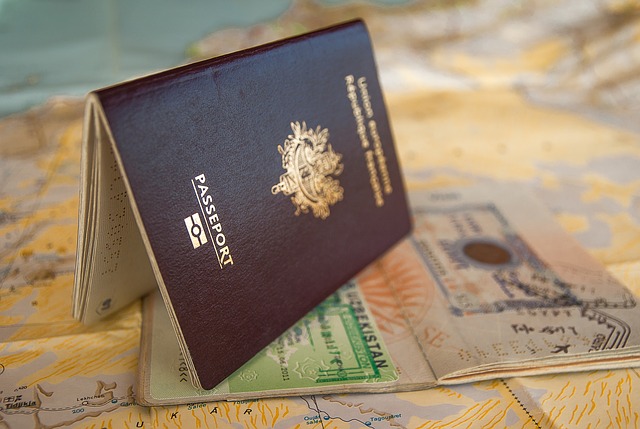
Some data are extra privacy-sensitive, such as medical records. To view or change these data, users can increasingly log in only with the DigiD app. For security and to ensure privacy, a one-time check (ID check) of a passport, driver's license or identity card has been added. More information about the DigiD ID check can be found here.
Some DigiD users are currently unable to scan proof of identity (ID check) with the DigiD app because their smartphone does not have a so-called NFC reader. This one-time ID check is needed to use the DigiD app to log in to organizations that manage privacy-sensitive information. With the CheckID app, someone else can help you with this.
The CheckID app works as follows: the person who has a smartphone with NFC reader downloads the CheckID app. The app on this phone scans the identity document (ID check) of the person who wants to be helped. Then, through a secure connection, the ID check is added to this person's DigiD app. The helper's phone is only used as a card reader and no data is stored via the app.
This news item can also be found in the Digital Transformation dossier